 malinovska.design
The word shows what it says
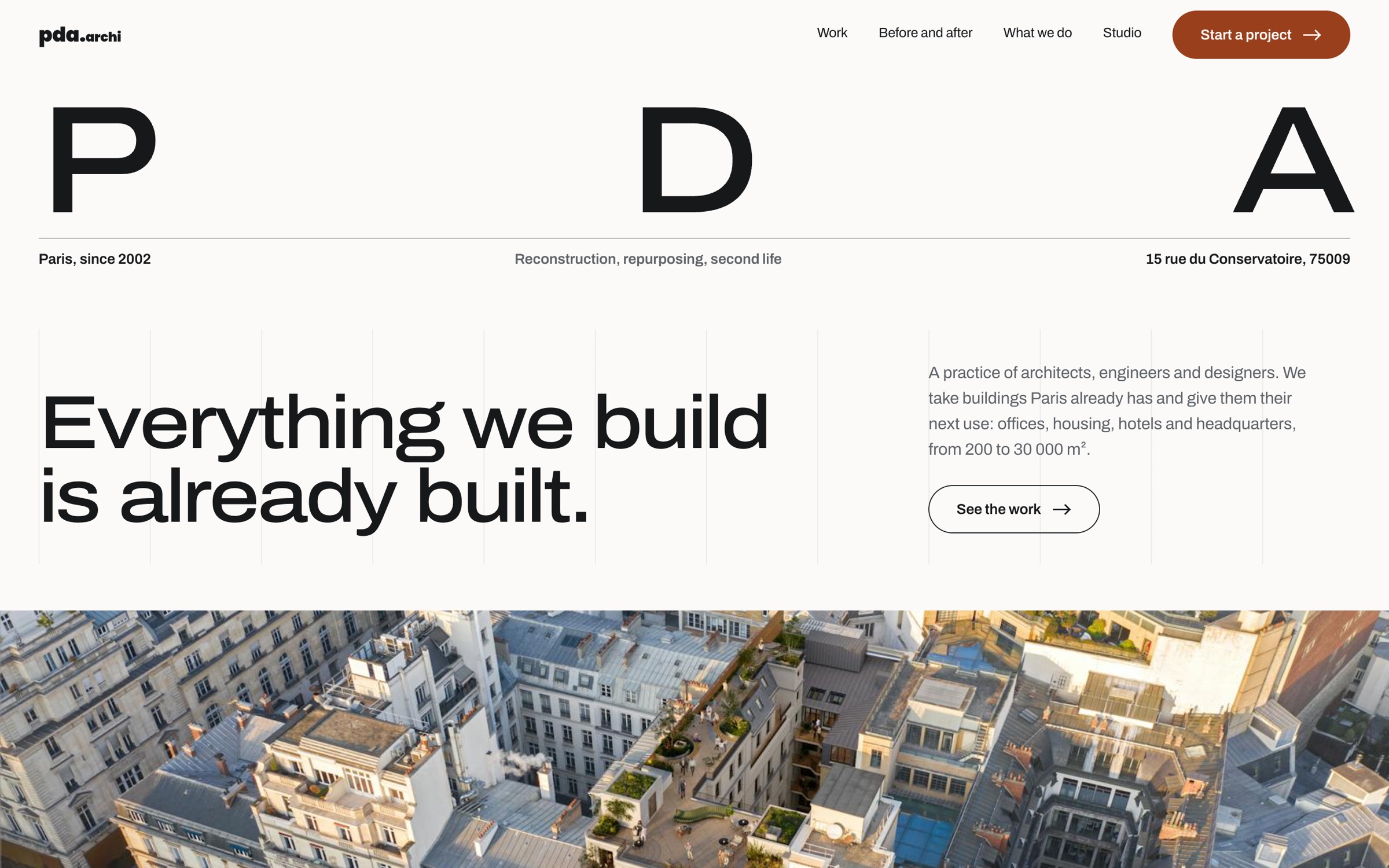
“Already” is set so large that it can hold a photograph: through the letters you see the practice’s own construction site. The picture drifts as you scroll, so the word is never the same twice.
already
PDA Architecture
Architecture practice websiteWeb2026
A Paris practice that gives existing buildings a second life was losing work it never saw: contractors are now chosen in London, Munich and Dubai by people who do not read French and cannot tell, between two meetings on a phone, whether this studio can handle a forty-million-euro building. I rebuilt its site as one English page where scale, proof and the practice's strongest argument are readable before the first scroll ends.
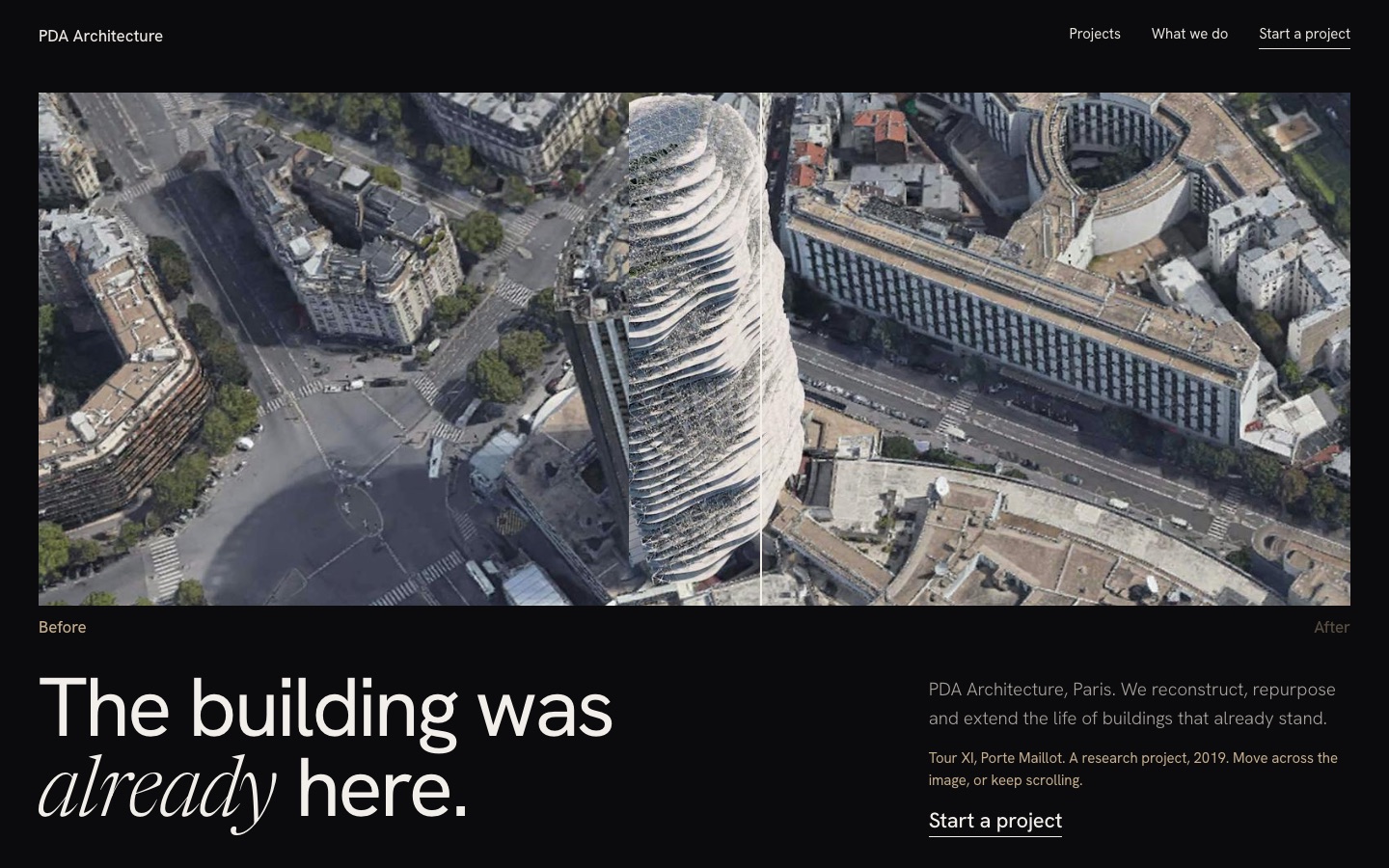
The practice's strongest argument was one it barely showed: the same building, before and after.
Not drawn. Three working pages on the practice's real photography and figures, so the comparison used real type and real motion.
Each with area, year, client and certification on the card, and a full sheet that opens over the page.
Twelve requests and one image; the other fifty-six photographs load lazily. The brief asked for speed despite heavy photography.
17.07:1 on light surfaces and 15.9:1 on dark, measured rather than judged by eye.
The brief, read as a set of claims to test, with the open questions written down instead of guessed.
PDA has worked in Paris since 2002: twenty-odd architects and engineers, clients such as Swiss Life, PIMCO and Gecina, buildings from 200 to 30 000 m². Their subject is narrow and unusual. They almost never build on empty ground. They take buildings that already stand and give them a next life.
The people who hire them increasingly decide from abroad. They are fund and asset managers with an ageing office portfolio, and they open the site between two meetings, usually on a phone, looking for one answer: can these people handle our building.
So the job was not to make an archive prettier. It was to make a cold reader trust a studio they have never heard of, inside one minute.
Where the old site fell short
Four screens each, as working pages, on the practice's real photography. A direction that only works in a static frame loses the argument immediately.
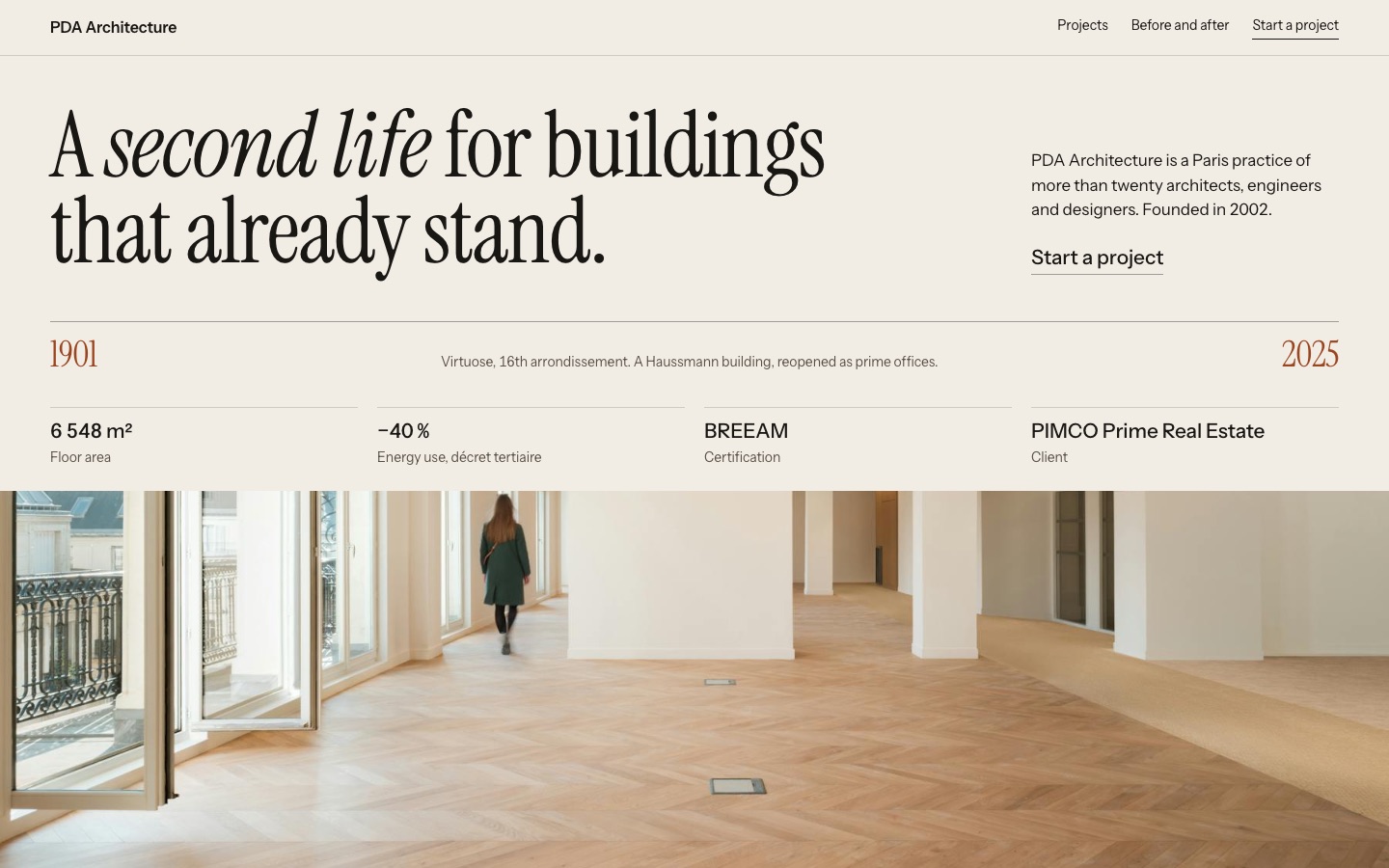
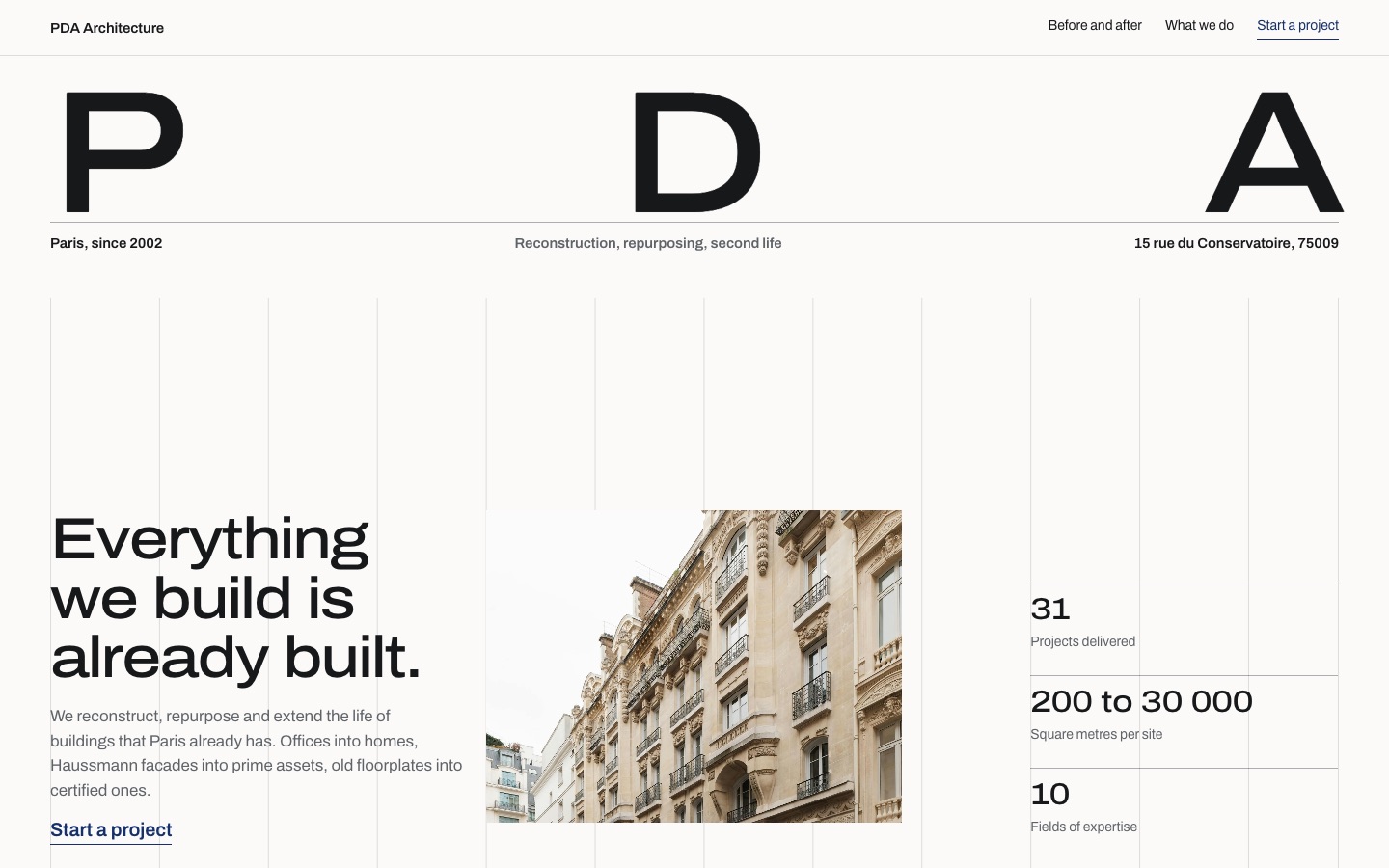
The practice is led by an architect who is also an environmental engineer. A visible grid says that without a line of copy, and it gives the photography a structure to sit in instead of a background to float on.
A modern, animated site was part of the task. For a practice that works on buildings that already stand, motion had to earn its place, so each of three effects carries one idea. They run live below, they are not screenshots.
“Already” is set so large that it can hold a photograph: through the letters you see the practice’s own construction site. The picture drifts as you scroll, so the word is never the same twice.
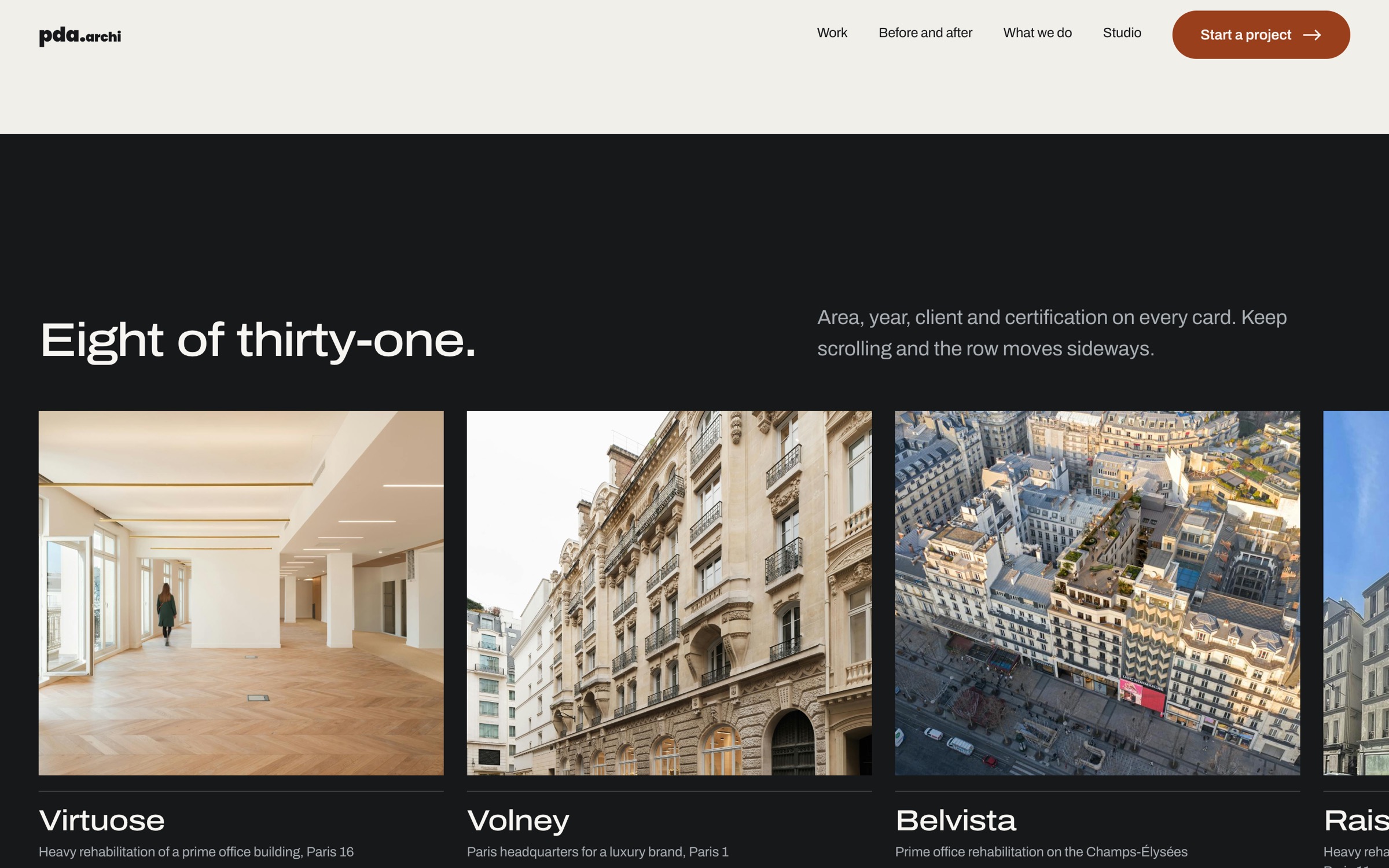
Eight of thirty-one projects sit in one row that travels sideways while you scroll down. The other twenty-three stay in the archive, one click away.
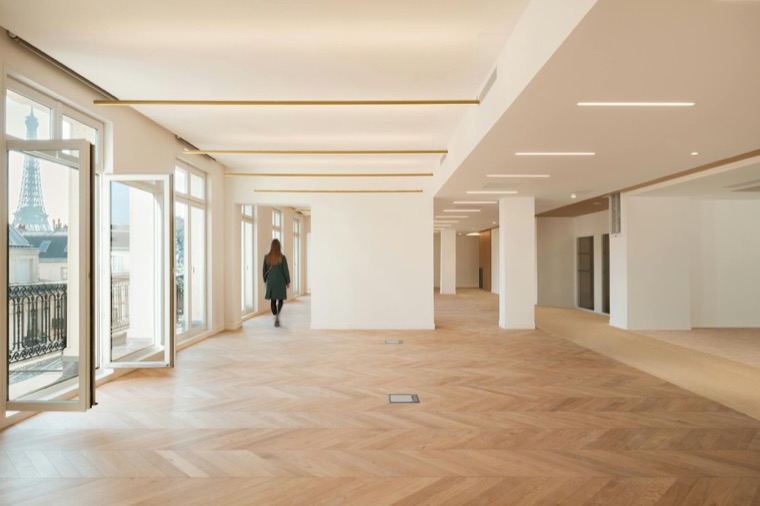
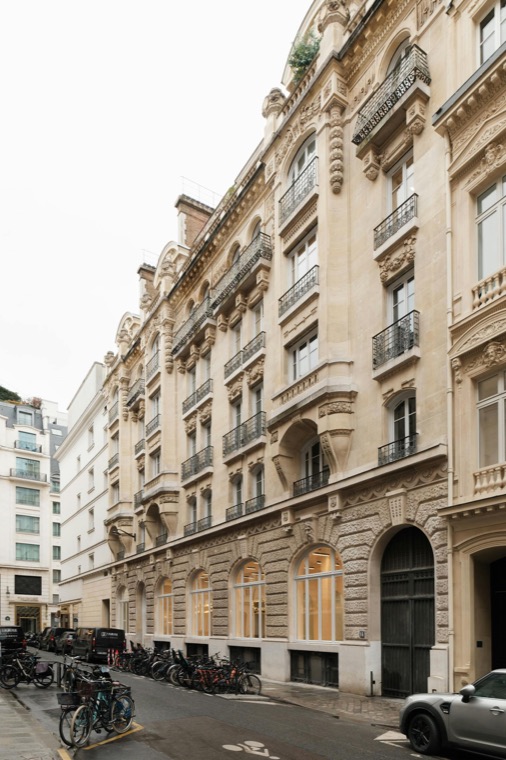
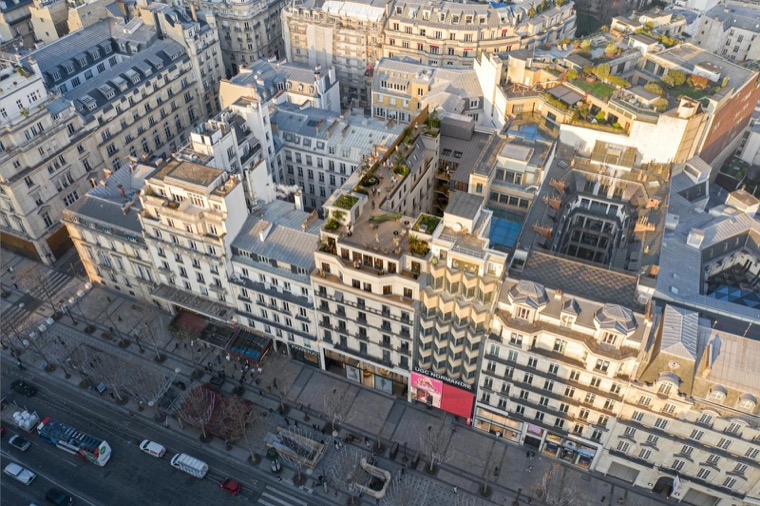
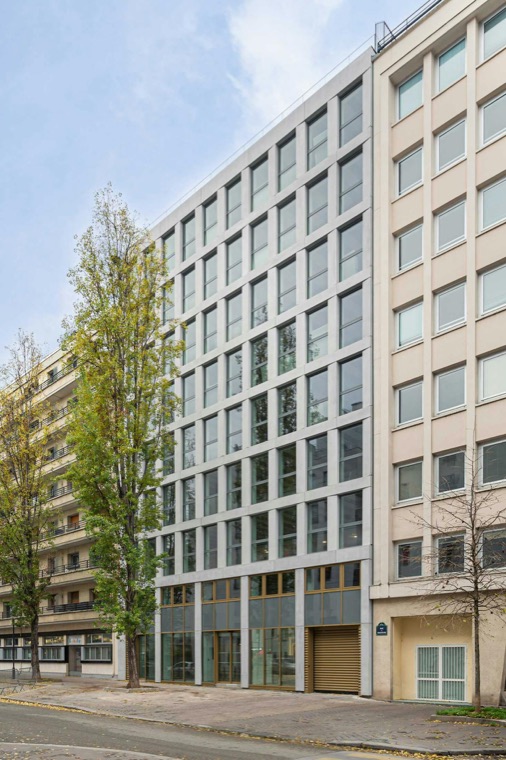
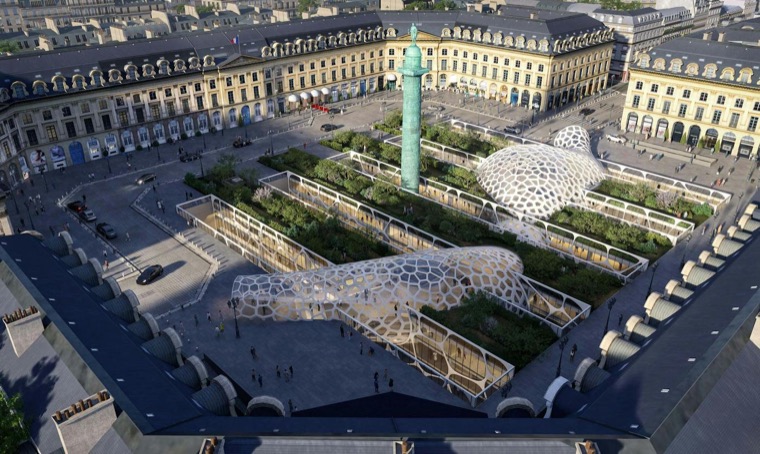
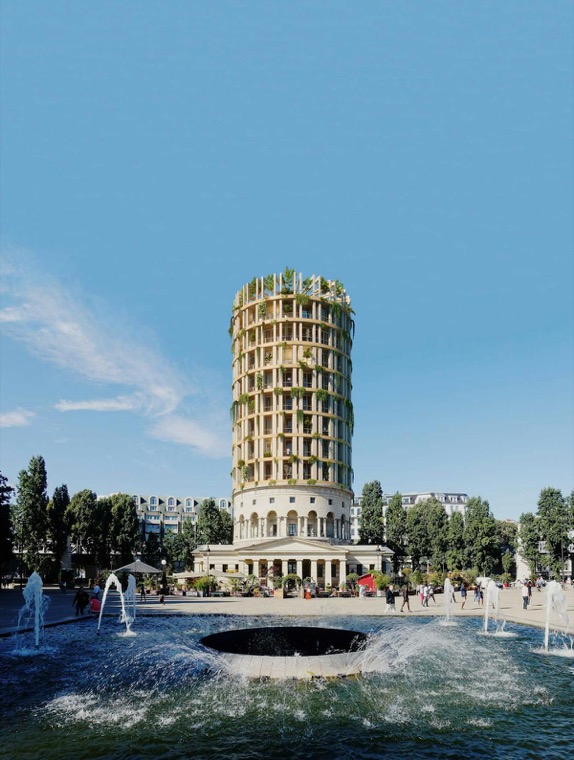
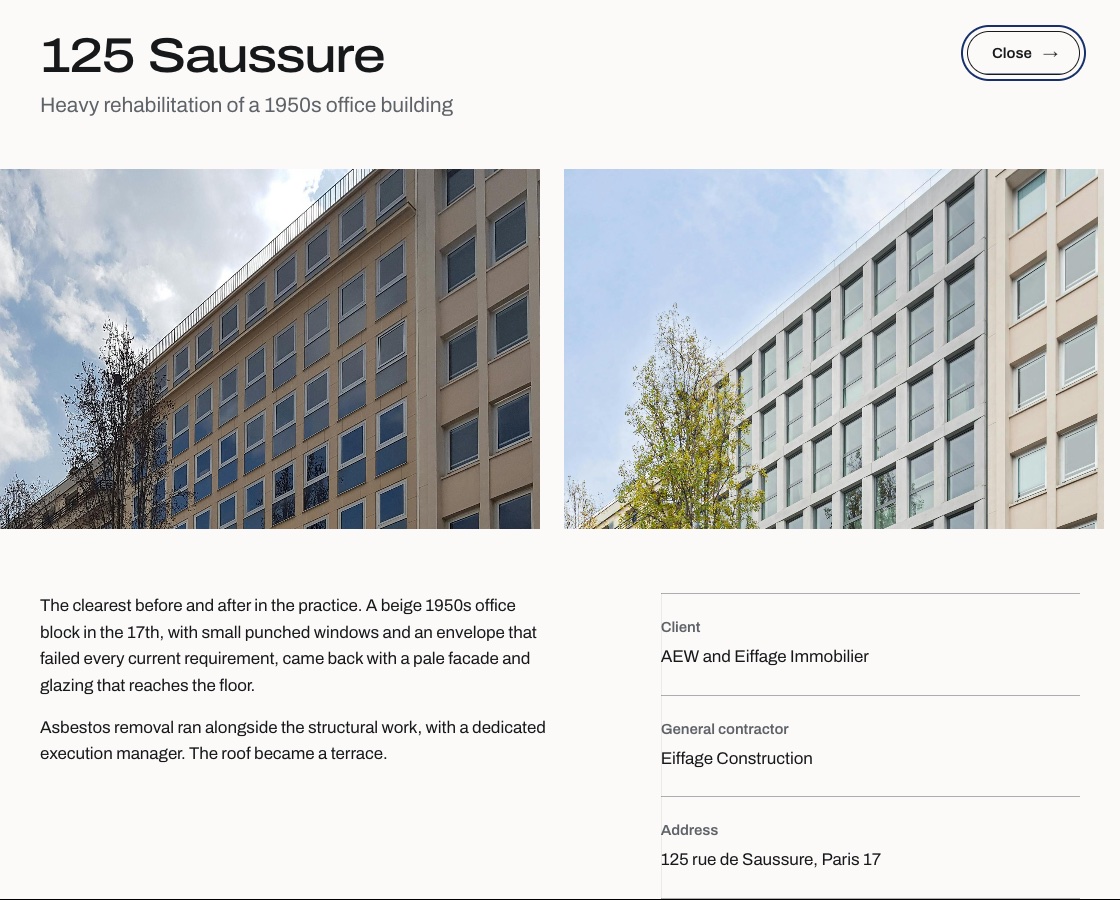
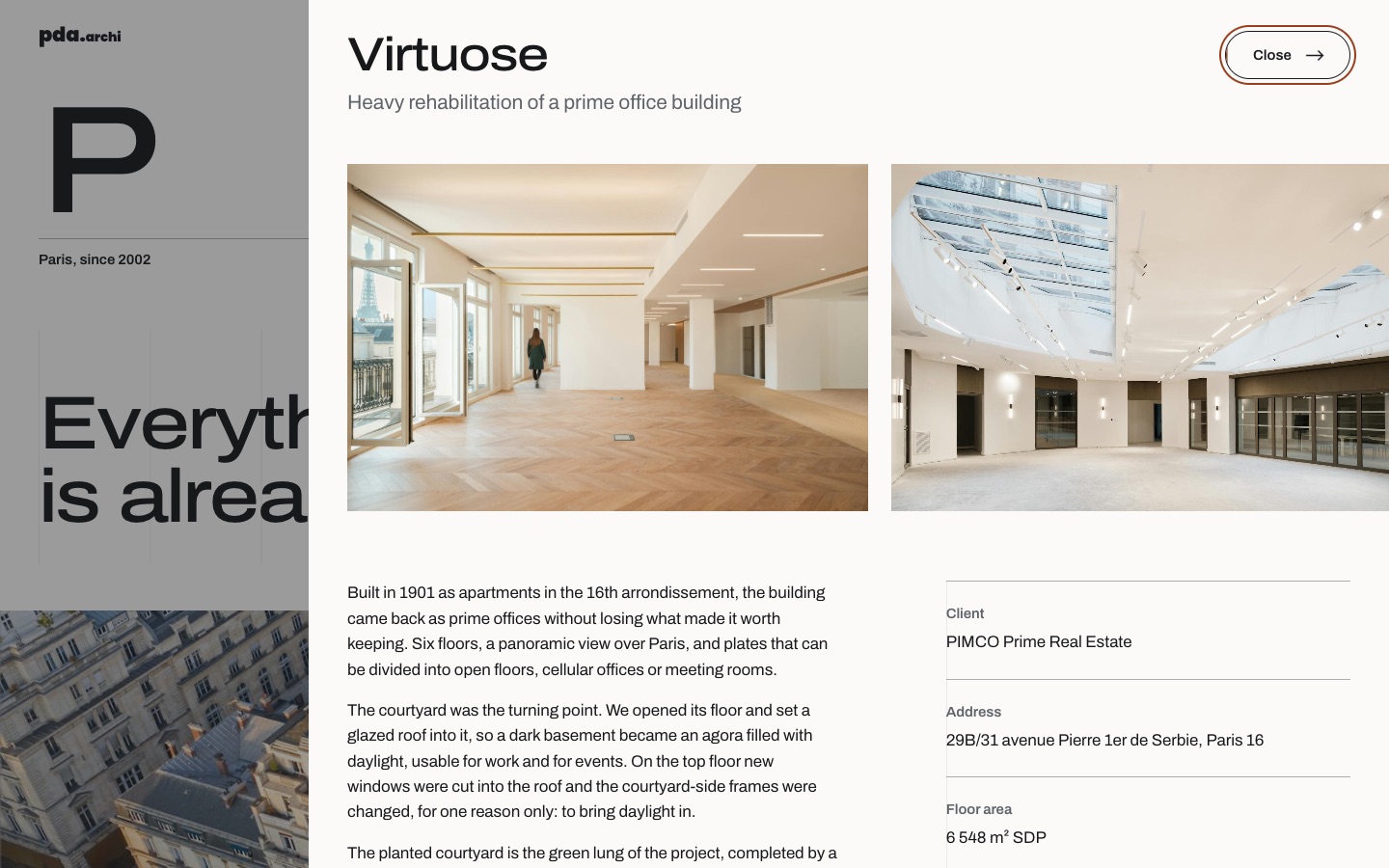
Click a project and the building opens as its own sheet, so the reader never leaves the page. Here it is 125 Saussure: a before-and-after pair, the story, and a technical card with client, contractor and address.
The practice has since launched a new site of its own, so the original now exists only in the web archive. Here is that original next to my redesign. Keep scrolling and the earlier one gives way.
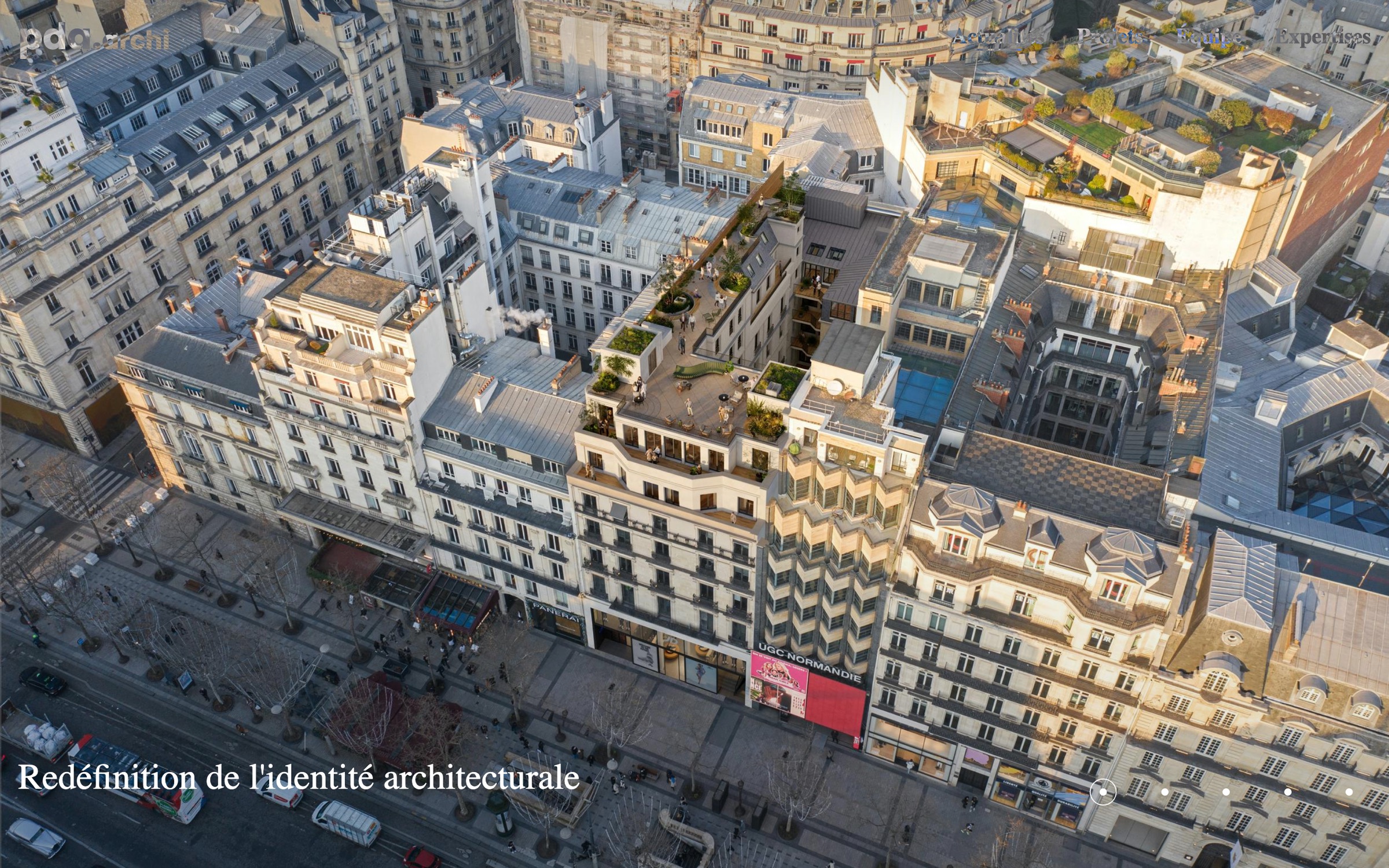
Before pda.archi, home page, as archived in April 2026. After
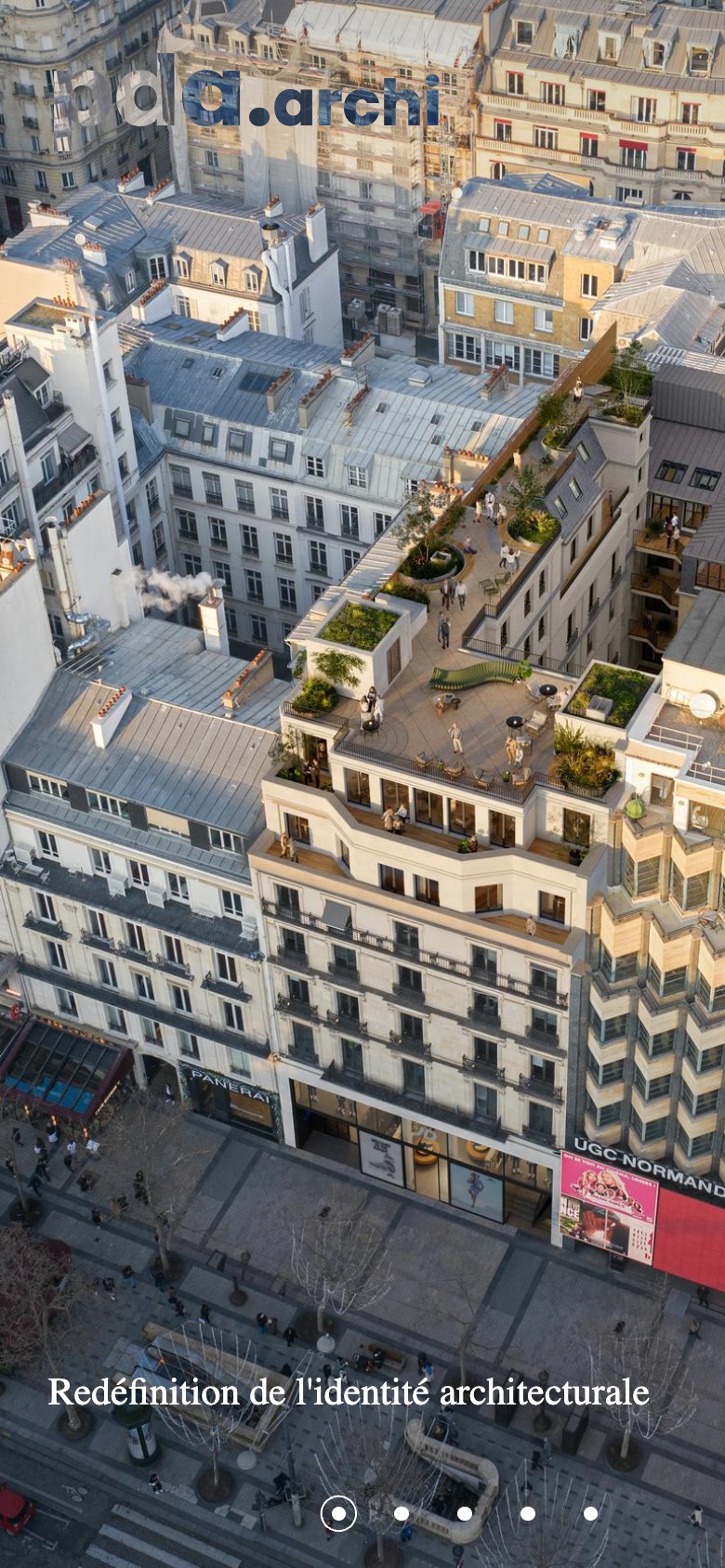
BeforeThe page opened on a full-screen slider with one French line over it. Nothing said what the practice does, how big it is or who it works for, and the logo and menu sat directly on the photograph, where the light parts of the picture swallowed them.
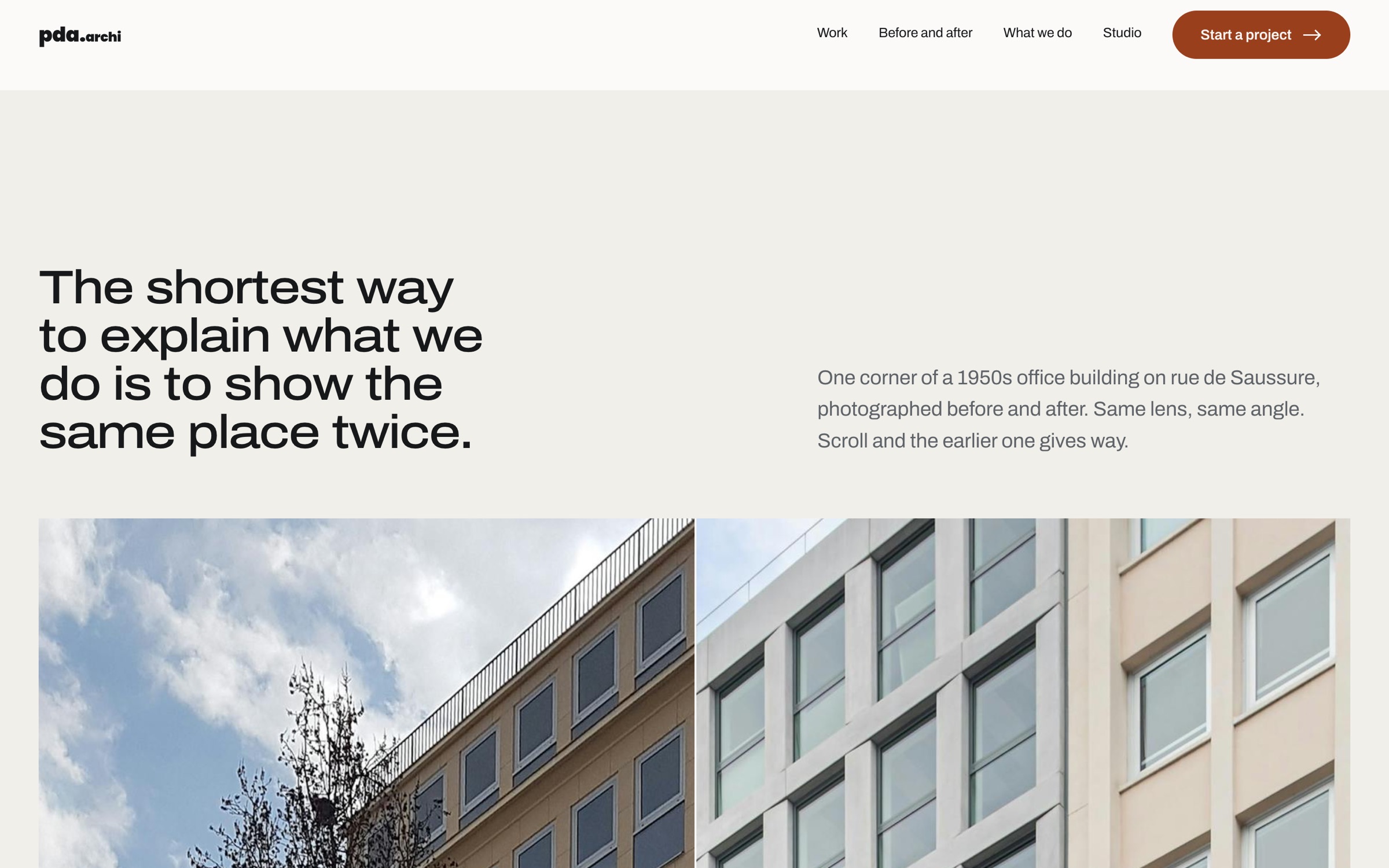
AfterThe page opens with the practice's one subject in a sentence, the year, the place and what it does, then the largest photograph. The same image is still there. It now lands on a reader who knows what they are looking at.
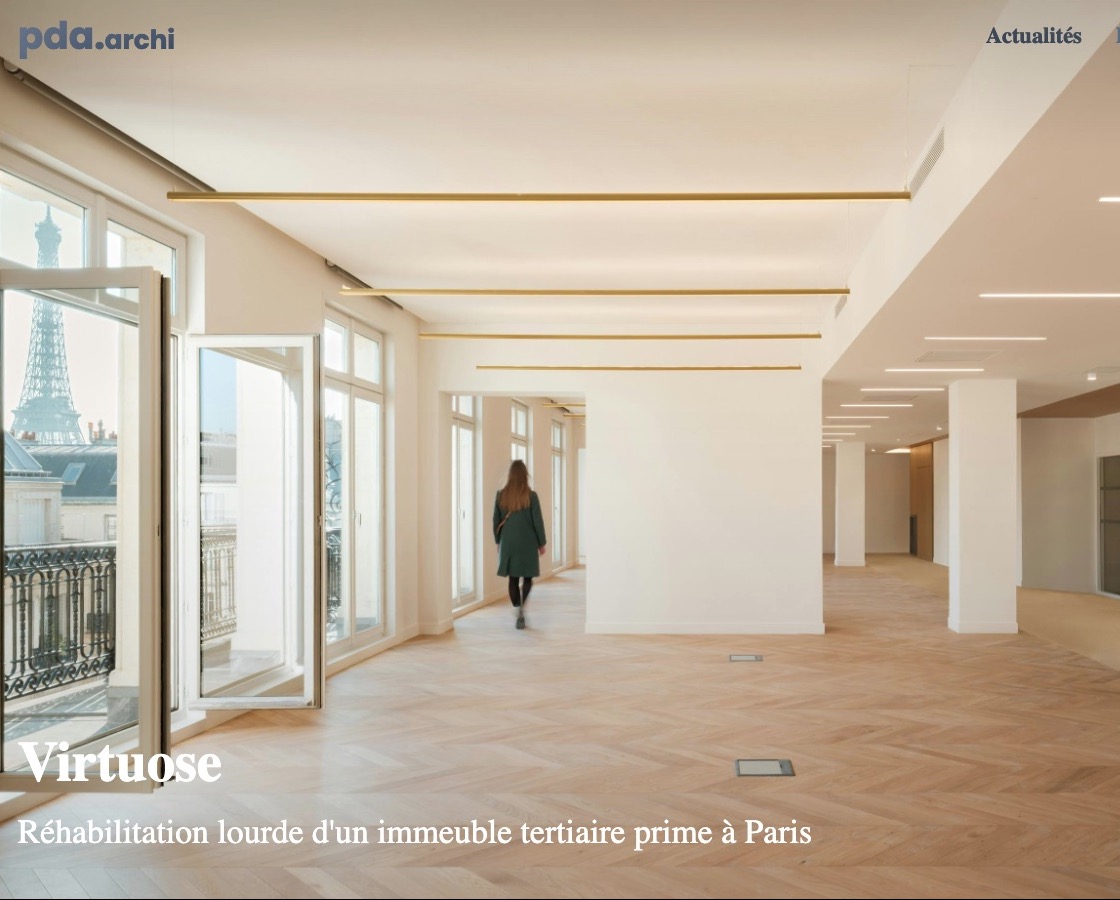
A project, beforeA photograph and one French line. A foreign client learns nothing about the building: where it is, how big, who it was for or what was done.
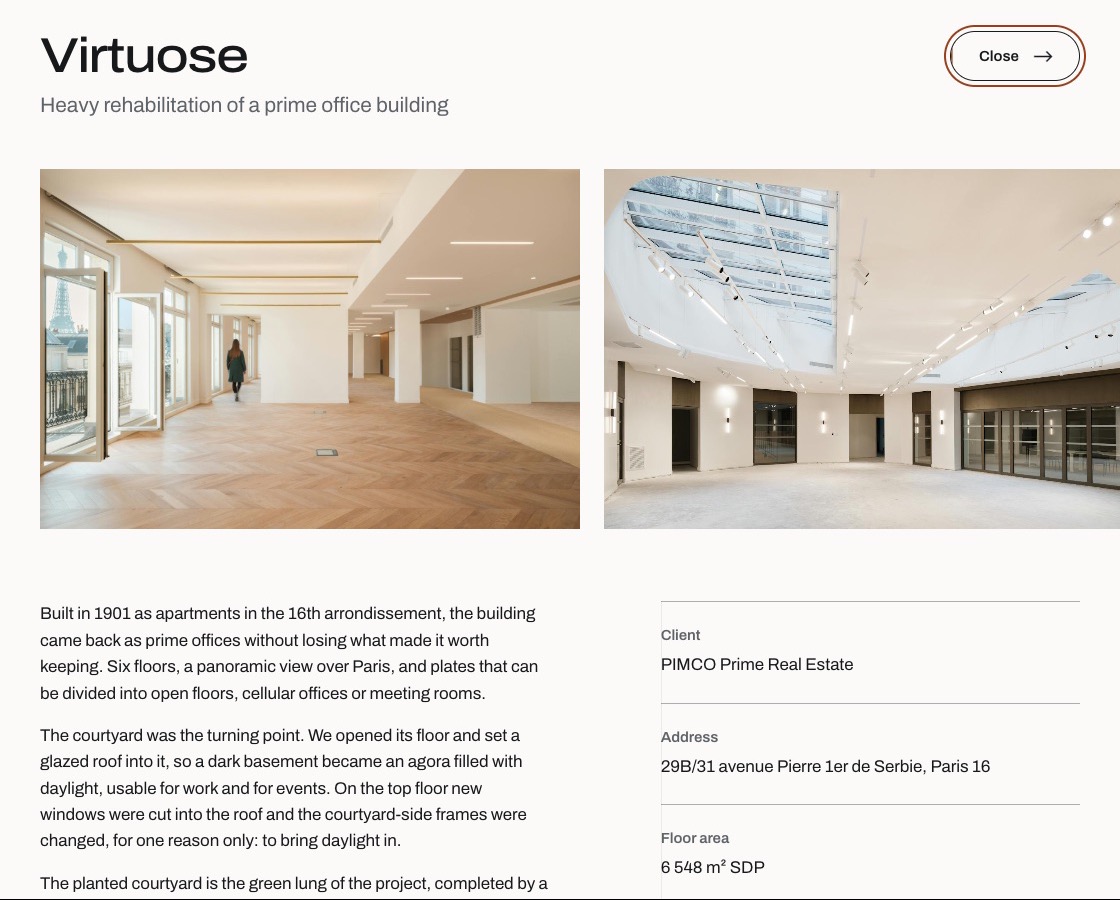
A project, afterThe same building gets a proper sheet of its own: gallery, the story, and a technical card with client, address, area, dates and certifications.
The page is ordered the way the case is made to a sceptic. Scroll to walk it.
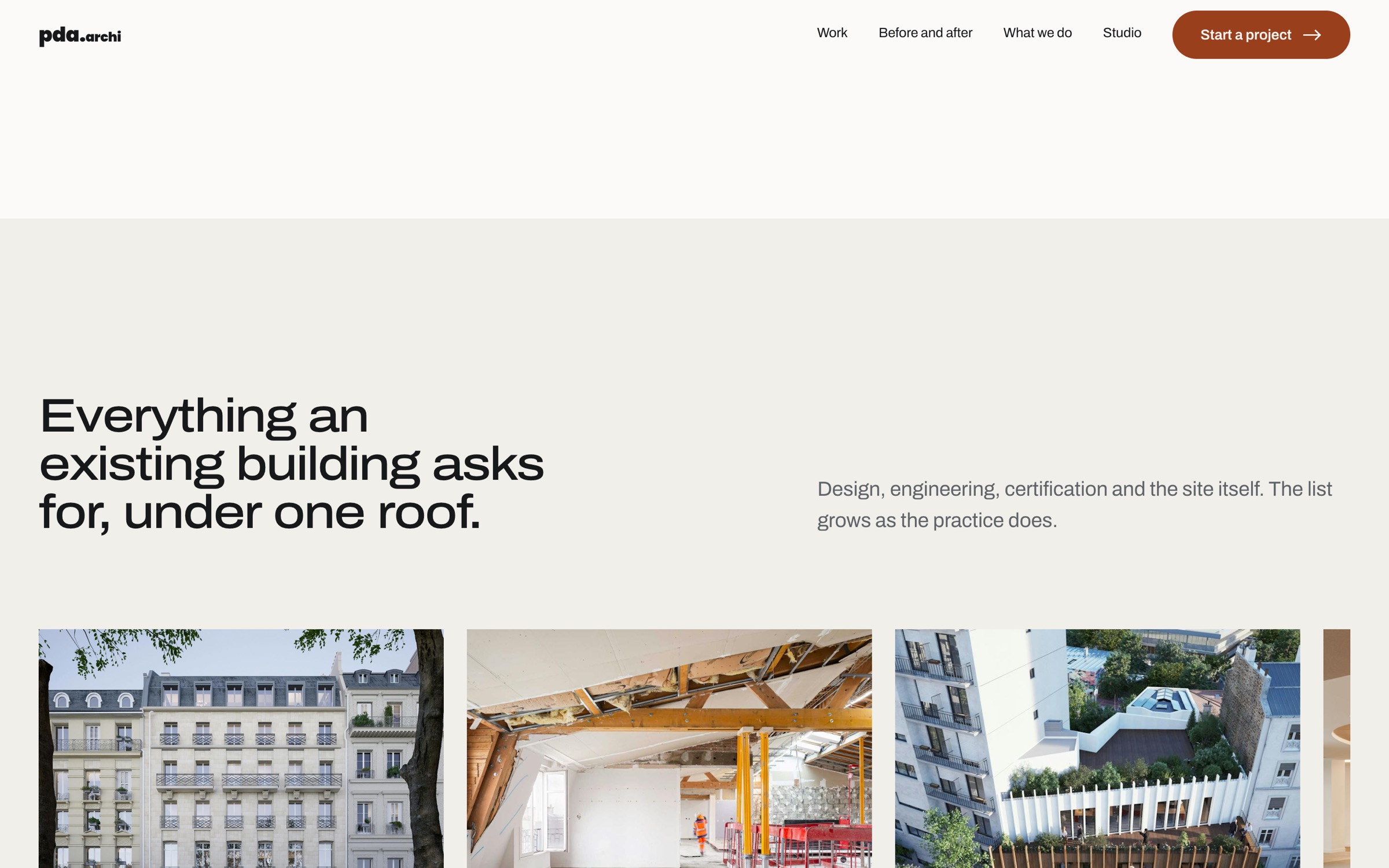
Each of these made some other part of the page harder. Choosing which part is the design decision.
01
Column lines are painted on the container at exactly one column's pitch, and every block that carries lines sits on the real grid, so each cell starts on a line. For a practice whose whole argument is structure, the page itself has to show some.
What it cost — it broke twice before it was right: once because cells drew their own borders over the lines, once because a figure row used its own layout without a gutter. Both are now rules in the system.02
The first matched pair I had was an aerial rendering of an unbuilt research tower. It looked synthetic, and it was going to be the first argument on the page. I found a true pair instead: one corner of 125 Saussure, a built project for a real client, before and after.
What it cost — the two photographs were shot from slightly different distances, so they are aligned by crop until the cornice runs across the seam. It is a quieter image than the rendering, and it is honest.03
Projects, expertise and team each scroll sideways under the vertical scroll, and each is pinned until its last card is fully on screen. Without the pin the first card leaves before anyone has looked at it and the last arrives as the section exits.
What it cost — the page grew from about 16 000 to 24 000 px, three quarters of it the travel of the rows. The team row goes first if the page needs to be shorter.The audience opens the site on a phone between meetings, so mobile was designed next to the desktop, not cut down from it.
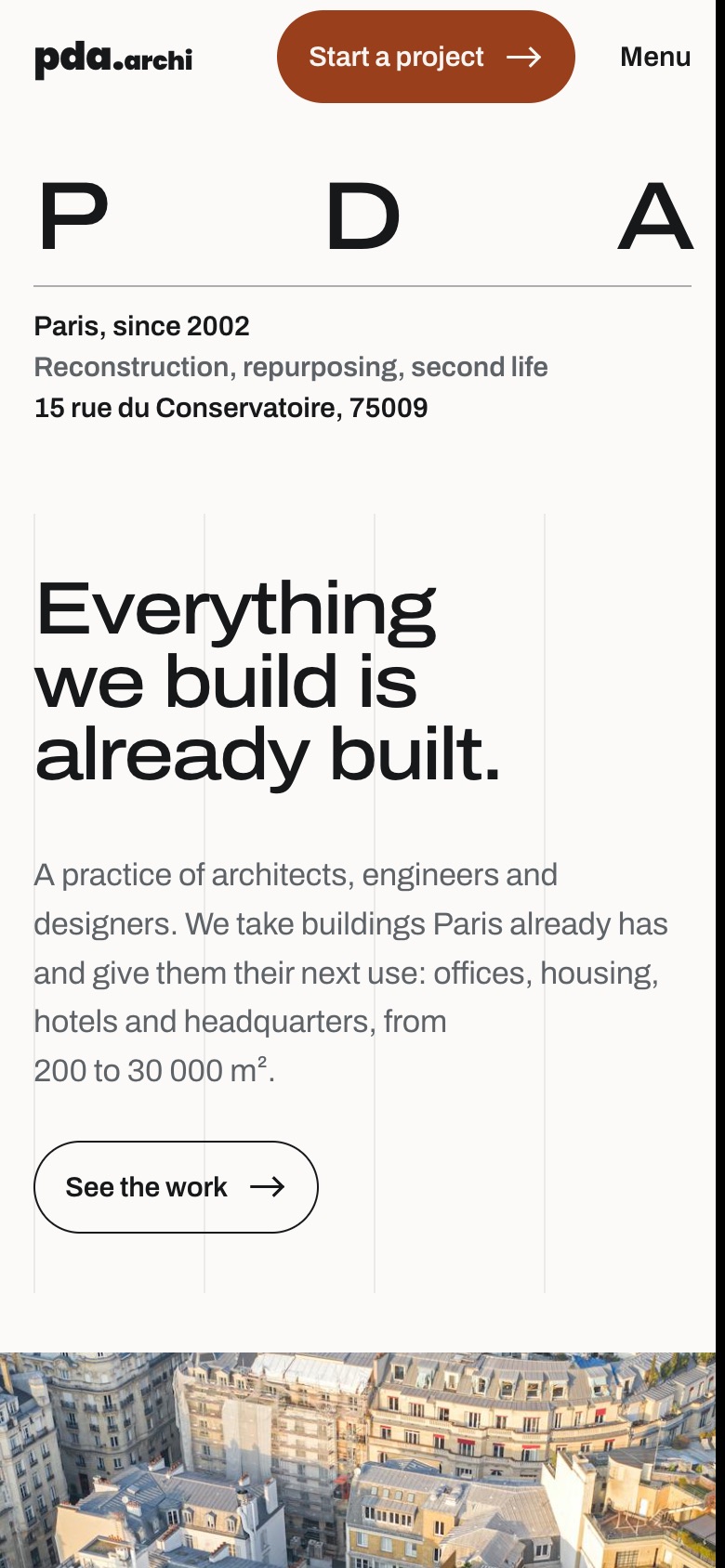
The link set is written once. On desktop it stands in a row; on a narrow screen it folds under a button, so a text edit never has to be made twice.
On a wide screen the rows are pinned and driven by scroll. Below 768 px the pins are released and the rows hand over to the thumb, and resizing the window switches between the two without a reload.
Rows that opened on hover for two words never opened on a phone. They were removed, and project names now stand in the row as links to their own sheets.
An unsolicited concept redesign, not affiliated with PDA Architecture. Photography and project data belong to the practice and the named photographers. Opens in a new tab.
Next project
Arivin — biotech website redesignThe whole science kept word for word, given a sequence a visitor can follow